|
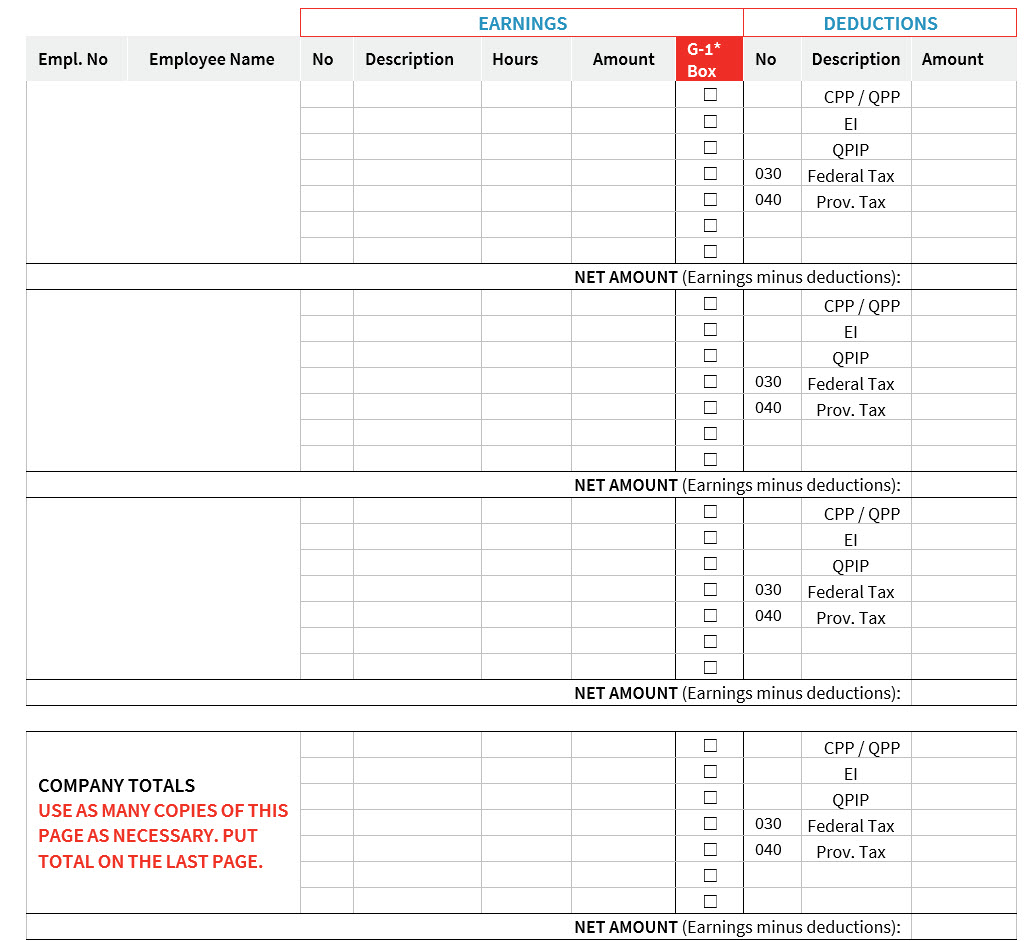
Click on the form title, then follow the instructions to fill it out and submit it to us. |


It is only required if you have not yet had your year-to-date amounts adjusted by our customer service following payments made by your company. Examples: taxable benefits, forgotten payments or bonuses paid directly by your company's accounting department.
B. Fill out the form✓ Check box G-1 for a taxable benefit paid in kind. ✓ The above amounts will be subtracted from or added to your existing year-to-date figures. ✓ Please indicate negative amounts in parentheses. Example: ($200.13).
C. Submit the completed formOnce the form is completed, go to the Contact-us function ( 1.Topic: Year-end; 2.Subtopic: Transmit a year-end form; 3.Click Add to include the form as an attachment; 4.Write a short message in the text box. 5.Click Submit. |

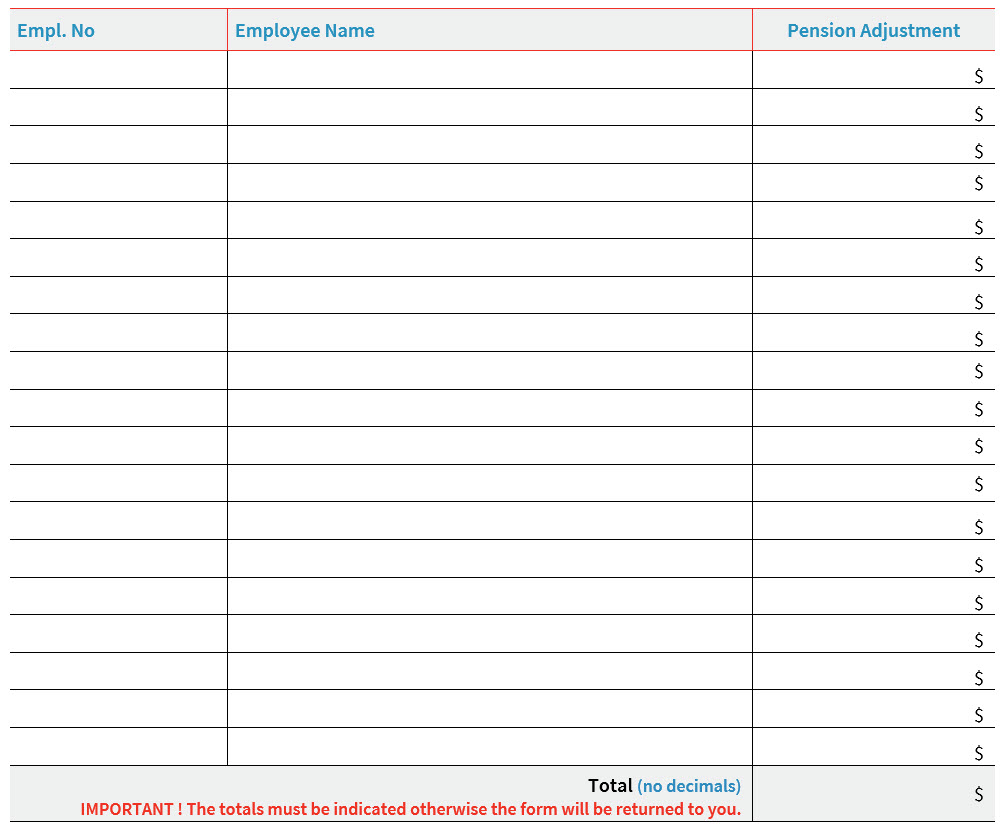
It is only required if your company has pension adjustments to submit to us (box 52 on T4 income tax slips).
B. Fill out the form✓Enter rounded amounts only (no decimals). ✓ The above amounts will be subtracted from or added to your existing year-to-date figures. ✓ Please indicate negative amounts in parentheses. Example: ($200). ✓ Earning and deduction codes frequently used for pension adjustments are: ⇨D600 – Pension adjustment ⇨D726 – Pension adjustment ⇨G751 – DPSP (abbreviation for pension plan)
C. Submit the completed formOnce the form is completed, go to the Contact-us function ( 1.Topic: Year-end; 2.Subtopic: Transmit a year-end form; 3.Click Add to include the form as an attachment; 4.Write a short message in the text box; 5.Click Submit. |
|
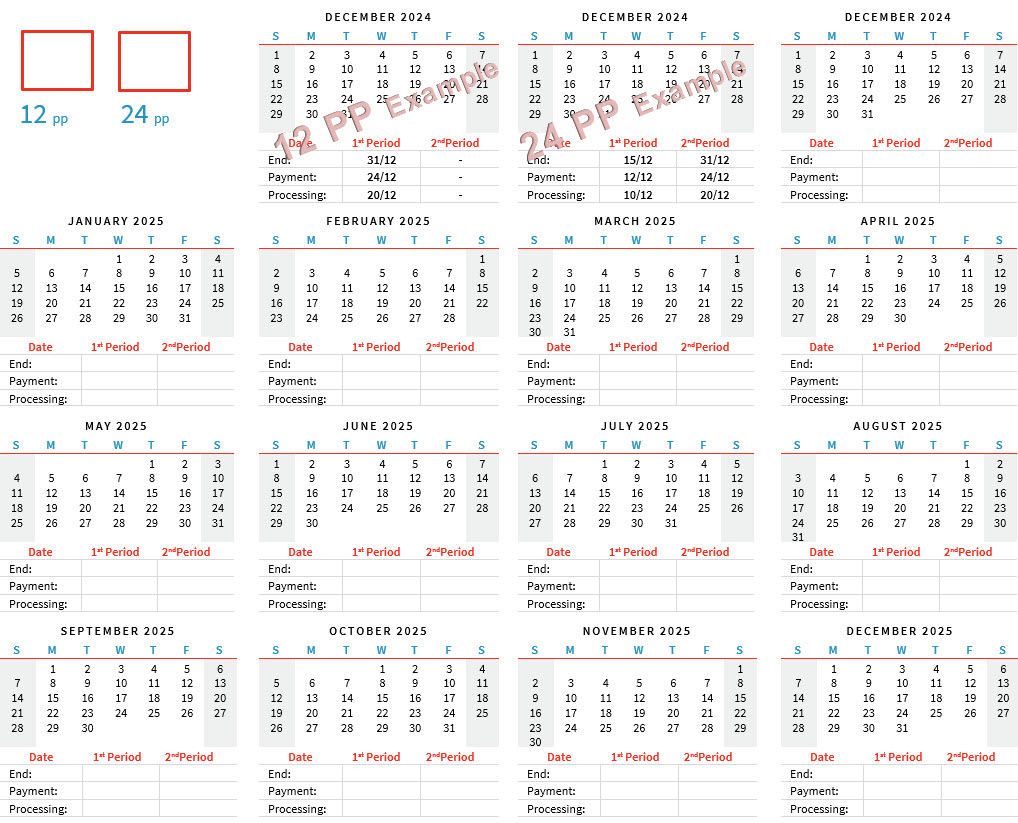
This form is only required if your company uses monthly reports with a specific production date.
B. Fill out the form✓Please circle the end date of each month’s final pay period to be included in your monthly reports. ✓The dates must match your payroll processing schedule. C. Submit the completed formOnce the form is completed, go to the Contact-us function ( 1.Topic: Year-end; 2.Subtopic: Confirm monthly reports (Form D); 3.Click Add to include the form as an attachment; 4.Write a short message in the text box; 5.Click Submit. |